
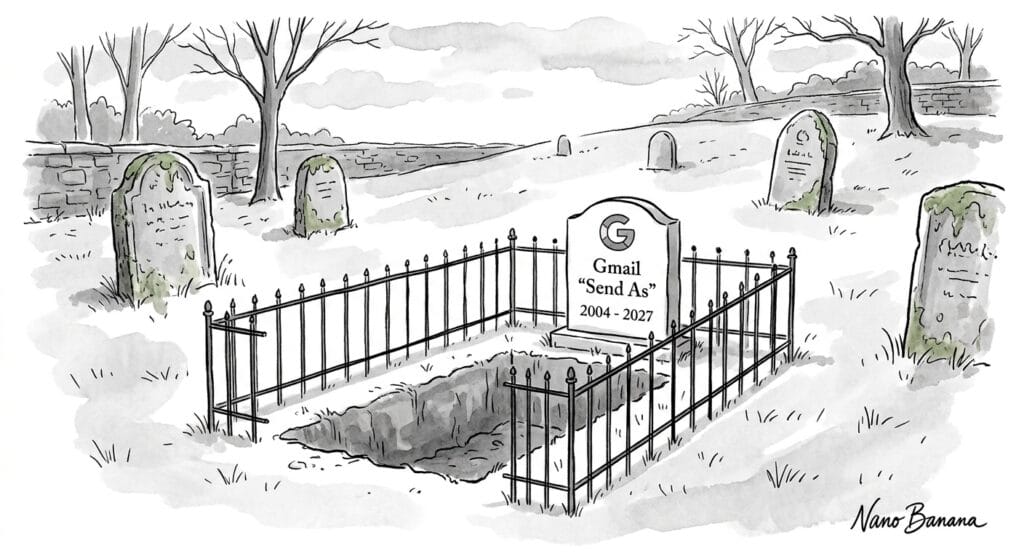
Gmail Is Ending “Send As” for Custom Domains
For many years, I’ve shown clients how they can use a personal Gmail account to manage sending and receiving email from their own domains. Using Gmail’s “send as” and “check mail from other accounts” features allowed them to access mailboxes included in their web hosting accounts.
Sadly, starting in January 2027, Gmail will discontinue these two features. If you manage a domain email address through a personal Gmail account (not Google Workspace), this affects you. If your business email already lives somewhere other than Gmail, congratulations, you can stop reading here.
What’s Changing
“Send as” for third-party addresses. This is the feature that lets you compose a message inside Gmail but have it go out looking like it came from a different address: e.g. gfalken@webdancers.com instead of my personal gmail.com account. You set it up once in Gmail’s web settings, and from then on that address shows up as a “From” option when you compose an email. After January 2027, that option disappears. Gmail will only let you send as another Gmail address or a Google Workspace alias, not an outside domain.
“Check mail from other accounts” (POP). POP (short for Post Office Protocol) is the old method Gmail uses to reach into another mailbox and pull messages into your inbox. If you’ve ever set up Gmail to fetch mail directly from a domain address — rather than having that address forward into Gmail — this is the feature doing that work. Google is retiring it in January 2027 as well.
A note on phones: losing “Send as” isn’t a web-only issue. The mobile app also used the setting you configured on the web, so it goes away there too. What does keep working on mobile is adding your domain address as its own separate account in the Gmail app. In that case, you’d be looking at two separate inboxes instead of one merged one.
What’s Not Changing
- Plain forwarding still works. If your domain email simply forwards into your Gmail account, that continues. However, any reply will come from your gmail.com address, rather than your domain, because “Send as” is no longer available.
- Nothing gets deleted. Mail already pulled in through POP stays in your account. You just won’t receive new mail that way after the cutoff.
- Gmail-to-Gmail and Workspace aliases are untouched. This only affects sending as an outside, non-Google domain.
Timeline
Google has laid out a phased rollout: the announcement period began in Q3 2026, with in-product notices going out to affected users. Through the rest of 2026, both features keep working, but Google says it may already be restricting new setups during this transition window. Several independent reports suggest that’s already happening. Full removal for existing setups lands in January 2027. You can read Google’s full announcement for more details.
What to Do Instead
If you’re relying on either feature, you’ll need another way to handle your domain email before the cutoff. A few options, roughly in order of cost:
- Your hosting account’s webmail. Every domain we host includes webmail at https://webmail.yourdomain.com. It works, but storage is typically capped around 1GB — fine for occasional use, not for an active business inbox.
- A desktop mail client. Outlook, Thunderbird, and Apple Mail can all connect directly to your domain’s email server. I can help with the configuration, though the same storage limits still apply on the hosting side.
- A dedicated email provider. Moving your domain’s email to Fastmail, Google Workspace, or Outlook 365 gets you real storage (30–50GB), a modern interface, and active system management focused on email. This is what I’d recommend for anyone using their business email daily.
A word of caution: you’ll likely see browser extensions and third-party tools promising to bring “Send as” back. Be careful with these — Google itself has flagged that they typically want your email credentials or OAuth tokens, which is a potential security risk. I’d stick with one of the options above.
The Silver Lining
Changes to something you rely on every day are never fun. But on the plus side, cleanly separating your business email from your personal Gmail account is usually a good idea anyway, regardless of what Google does. I made that move myself earlier this year, switching my own business email to Fastmail. I wrote about how and why in Leaving Gmail (Sort Of).
If you’d like help sorting out which option makes sense for your situation, get in touch. I’ve set myself up as a Fastmail reseller specifically to help with this transition: I charge no markup, you pay Fastmail directly, and I just handle the setup.
